
How to shoot videos?
Practical tips for Reels,
TikToks and Digital Menus.
Many of the photo tips we gave you, like lighting, angles and how to send us the files, also apply to videos, so we recommend exploring that section first.

1. Video settings
Make sure
the lens is clean
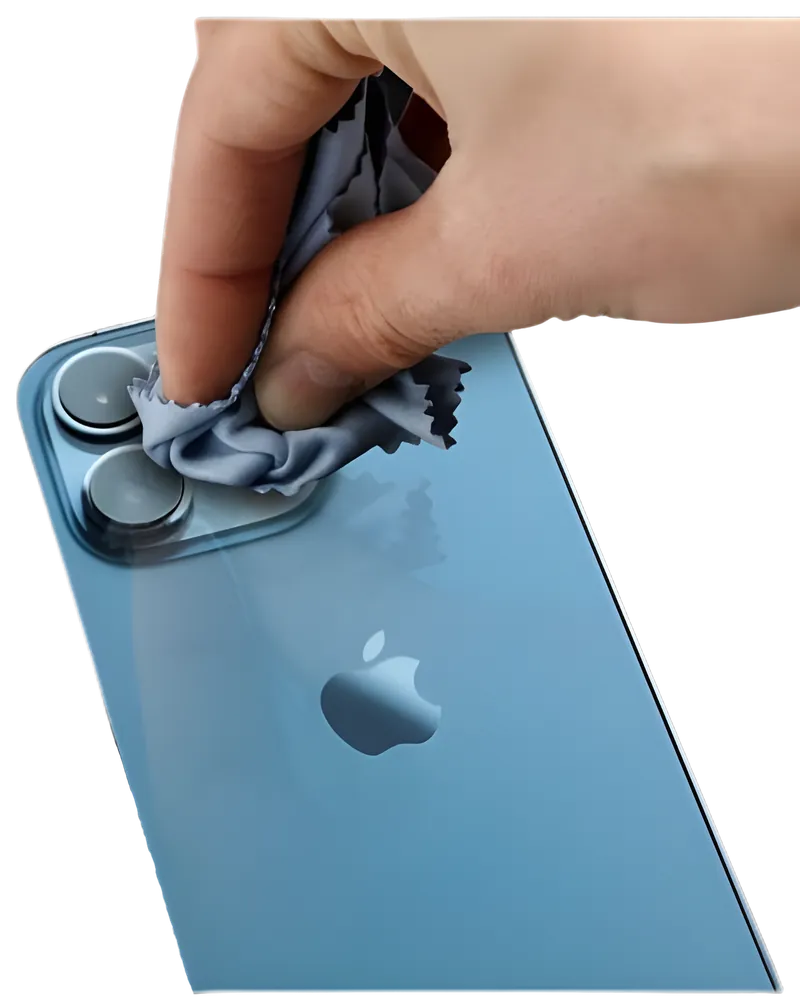
Set your phone to
1080p OR 4K at 60 fps.
Lock the focus
by pressing and holding
your finger on the dish
until it says
"AE/AF Lock"
2. Formats
Tap on
settings
Change the
aspect to 16:9
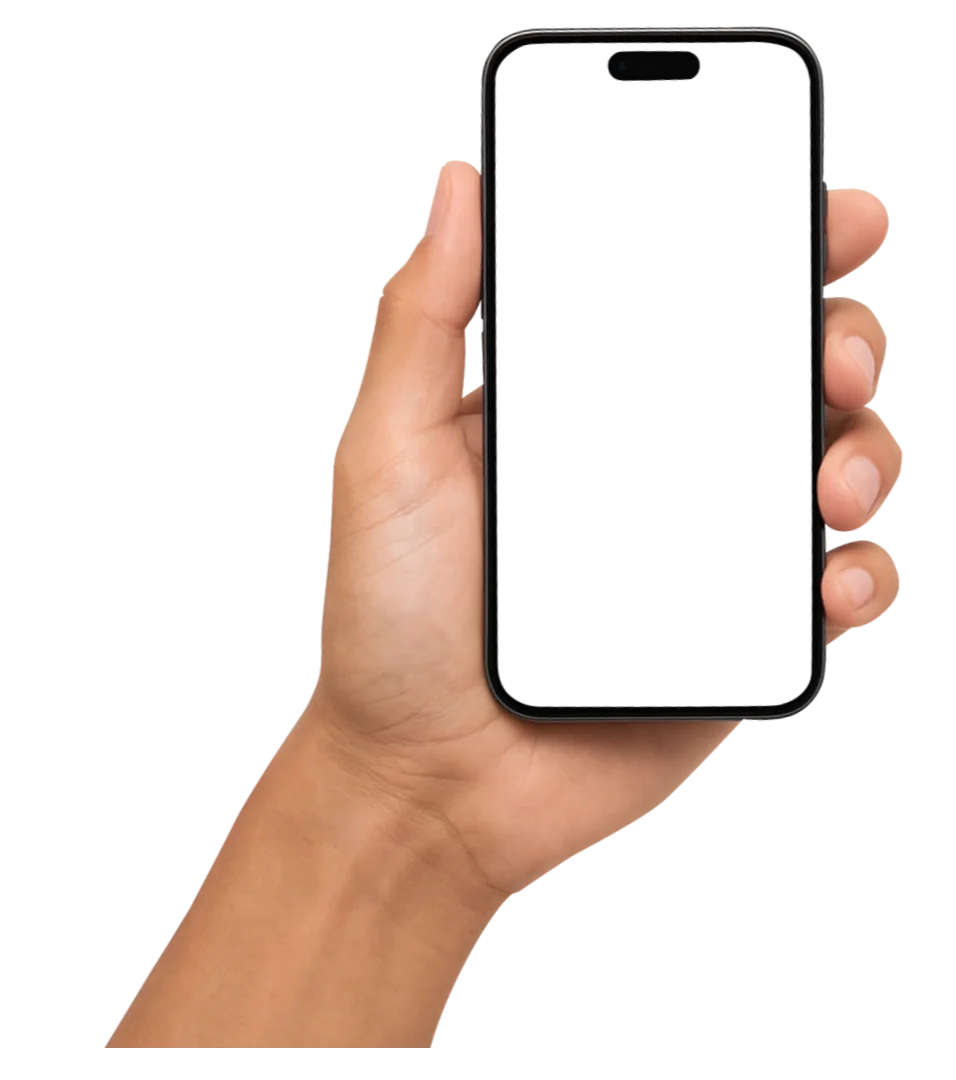
Vertical
For Instagram Reels and TikTok.
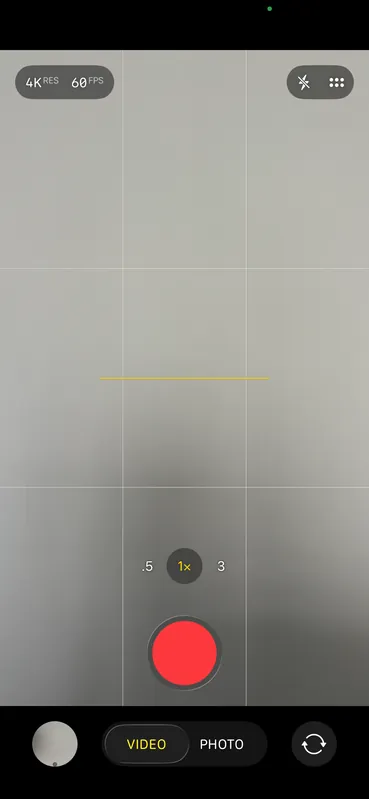
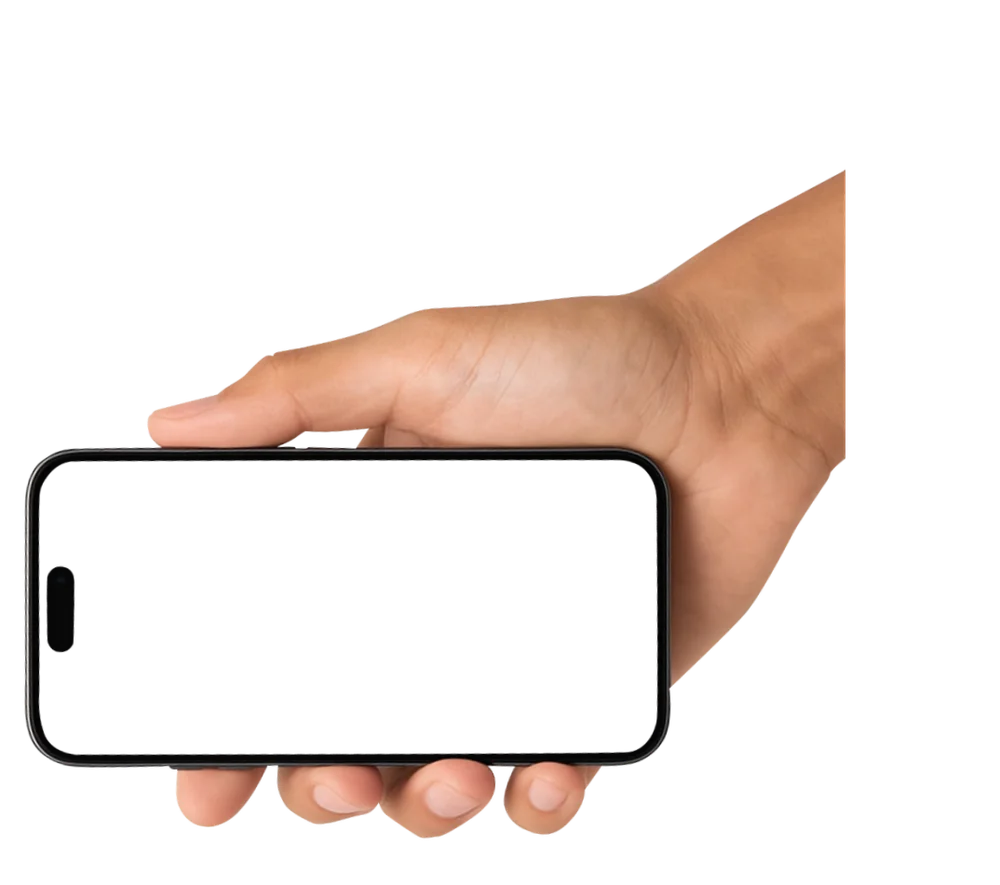
Horizontal
Website and Digital Menus
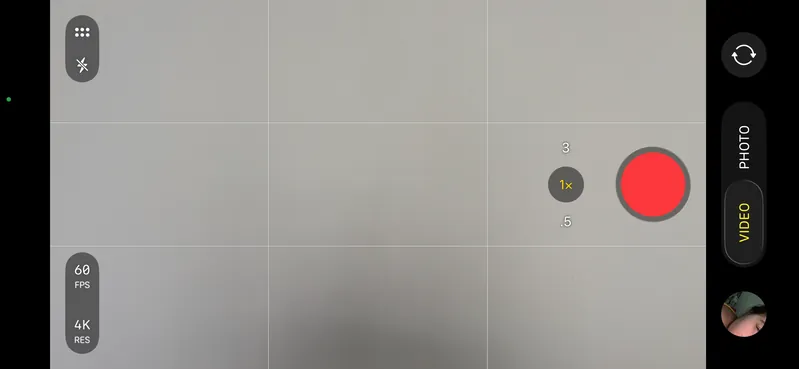
Important: When you record, keep the
action in the center of the screen!
3. Moving
your phone
Pan: Move the phone from
left to right (and vice versa).
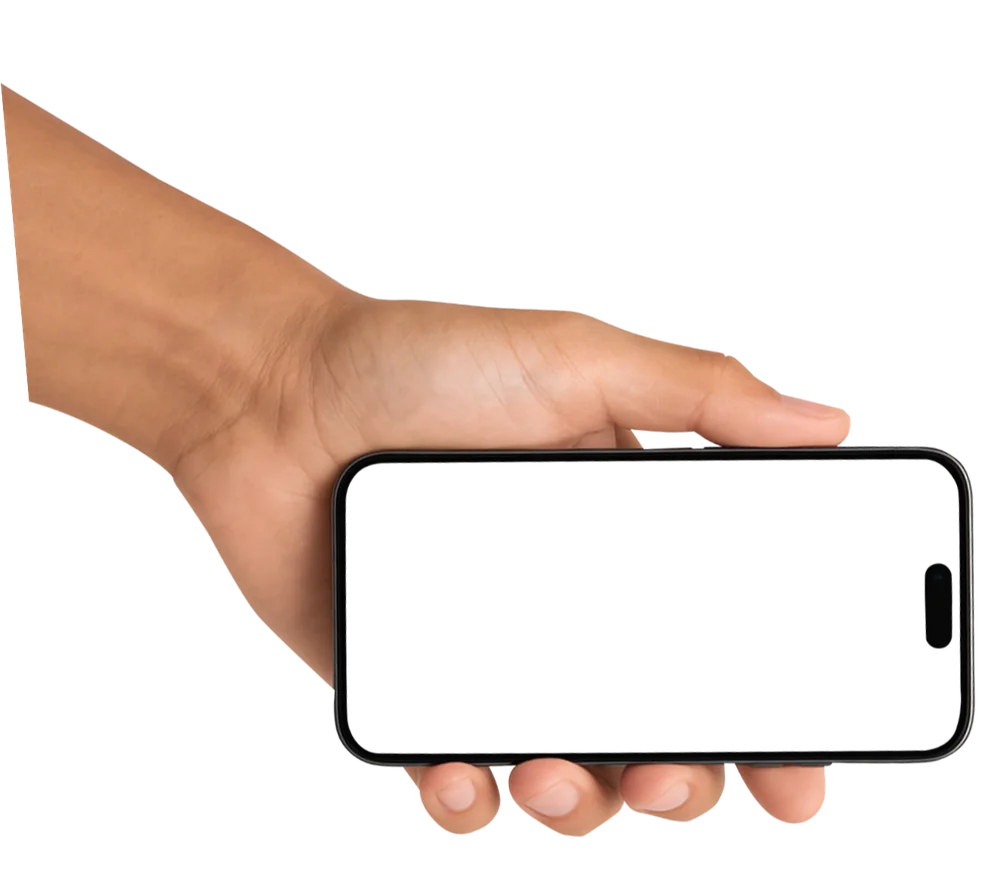
Zoom-in and Zoom-out:
Start a little far away and
slowly move closer to the center
of the dish (and vice versa)
Static:
If there’s movement,
sometimes it’s best to
keep the phone still
Important!
Videos must be steady
- Use both hands to hold your phone.
- Keep your elbows against your ribs so your body works as a tripod (if you don’t have one)
- Walk like a "ninja" (knees slightly bent) if you’re doing a tour of the restaurant so the video doesn’t shake.
4. Lighting for
Video
- Constant light: Never use the flash! If it’s too dark, ask someone to use another phone’s flashlight, pointing from the side, never from the front.
- Shadows: Avoid recording under very strong lights that create dark shadows on the food.
5. Recommended
length
- Take short clips: We don’t need a 1-minute video. We need lots of 5 to 10 second clips.
- It’s better to send us 10 short videos from different angles than one very long one.
6. What to record?
POV effect:
Point of View
The details
The people (customers and
staff, with their permission)
The atmosphere
7. How to send us
the videos
- Upload the videos to Google Drive or send them via WhatsApp as a file
- Name the files like this:
Restaurant_Dish_Year.mov
Example:
LaTaqueria_TacosAlPastor_2026.mov (what comes after the dot is the format the video already has: mov, mp4, etc.)
How to upload to
Google Drive:
When you’re done, copy and paste
the link in WhatsApp